

 (800) 854-6735
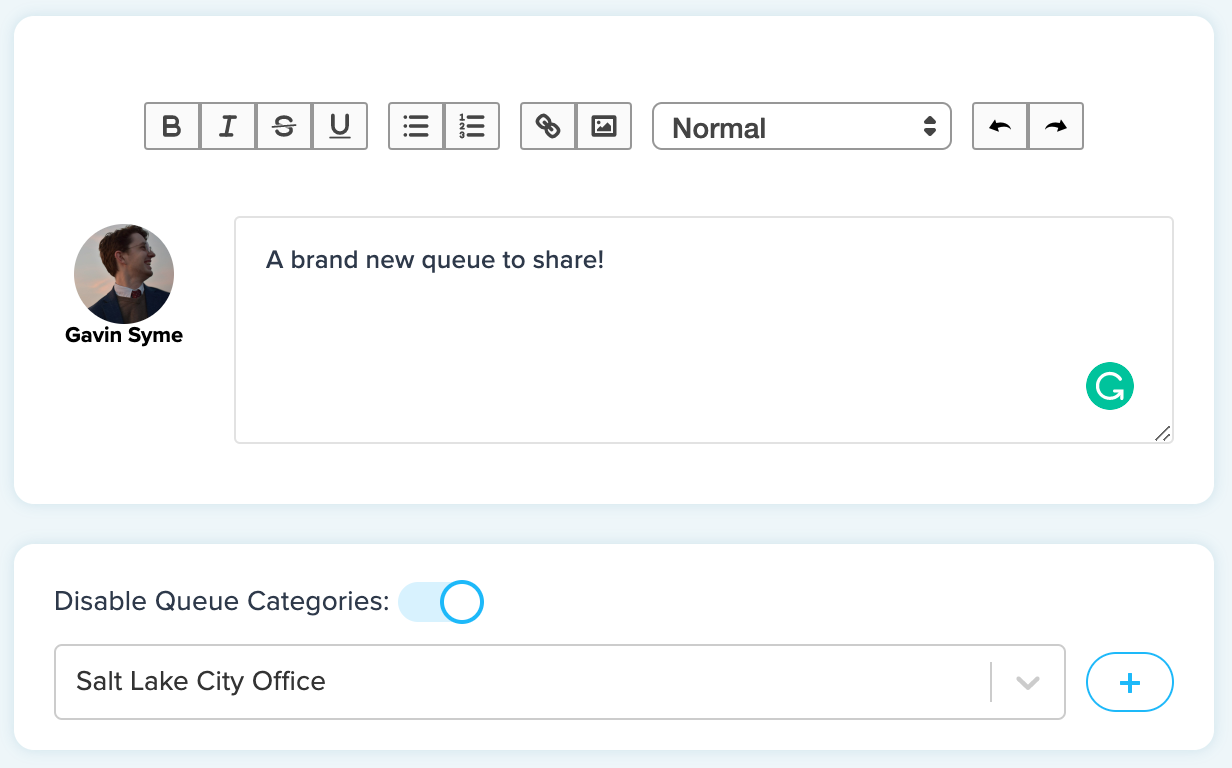
Welcome our newest feature to Clearview Social: Queue Categories. You can now organize your queues in whatever way is easiest for you.
This feature has been requested by multiple organizations looking to provide a quicker way for users to browse queues and just read and share content in their area of interest. We hope this will simplify the process and make it easier for more of your people to share the content that will make them and your organization look their best.
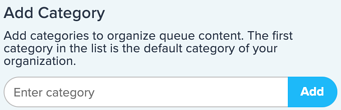
On the right side of Build Queues, write in a category name and simply click add. There you go, you have a new category.
 To then utilize your new category, start building a new queue. Use the toggle Queue Categories switch to enable categories.
 From there, you can add whatever category you’d like to your queue. The addition of queue categories will add a new level of organization and efficiency to streamline sharing on social media to an even greater degree.
If you have any further questions on Queue Categories, you can refer to this help doc or contact your Client Success Manager for further training.